
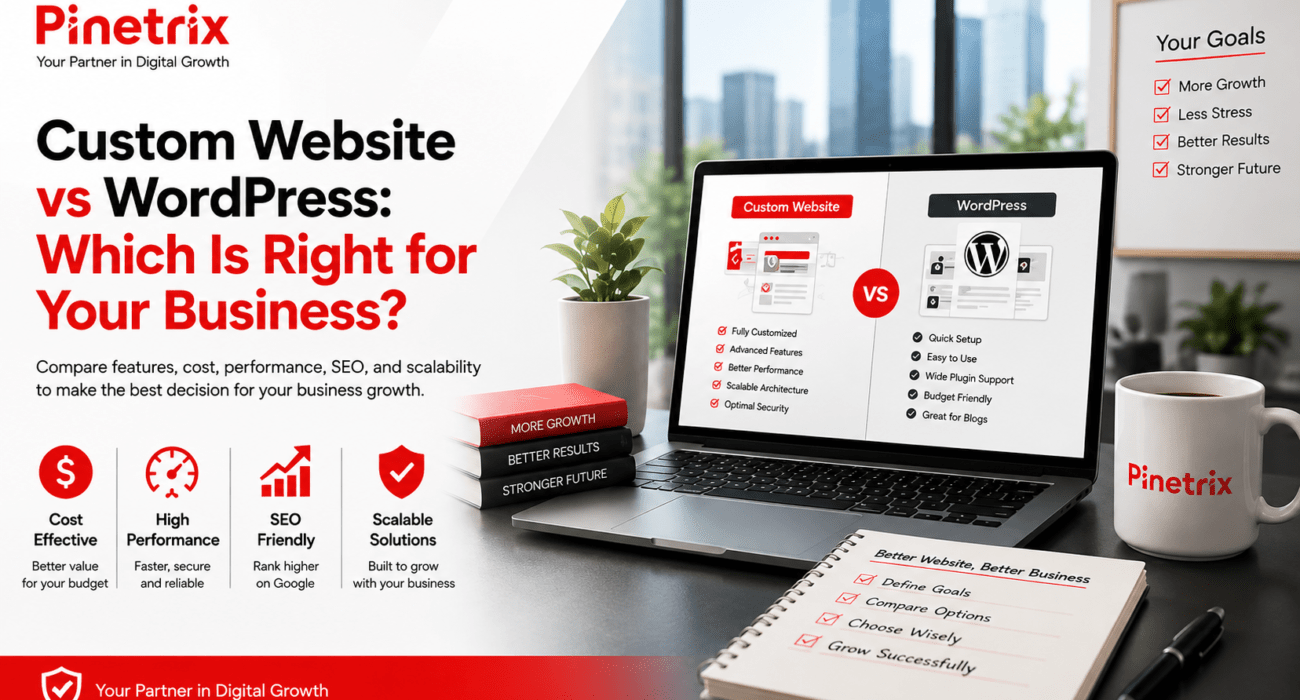
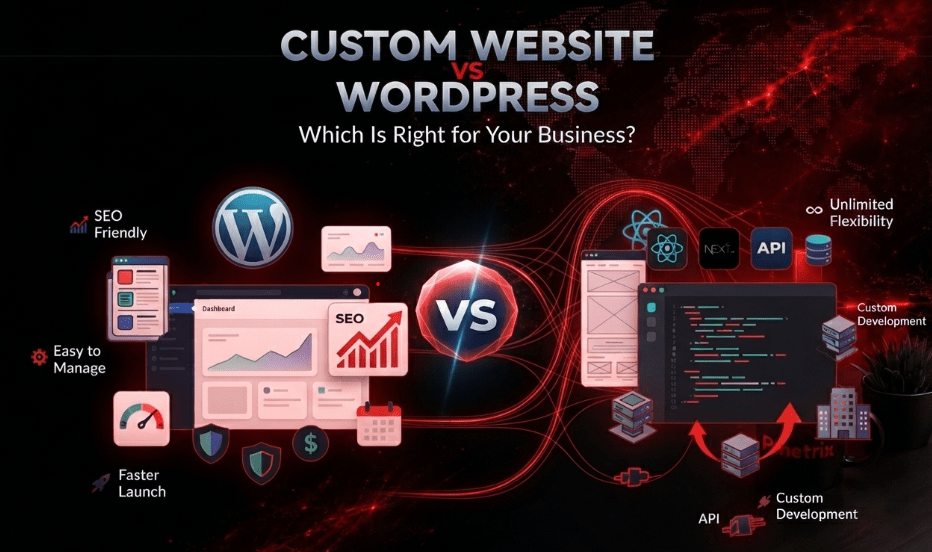
WordPress vs Custom Website at a Glance
If you’re short on time, here’s a quick comparison.
| Feature | WordPress Website | Custom Website |
| Initial Cost | Lower | Higher |
| Development Time | 2–6 weeks | 2–6+ months |
| Customization | Moderate to High | Unlimited |
| SEO Potential | Excellent | Excellent |
| Performance | Excellent (when optimized) | Excellent |
| Security | Depends on maintenance | Highly customizable |
| Maintenance | Regular plugin & core updates | Developer-managed |
| Scalability | Great for most businesses | Best for complex projects |
| Best For | Small businesses, startups, service companies, blogs | SaaS, enterprise, custom platforms, advanced web applications |
Quick Recommendation
| Business Type | Recommended Solution |
| Local Business | WordPress |
| Small Business | WordPress |
| Startup | WordPress or Custom WordPress |
| Professional Services | WordPress |
| Healthcare Practice | WordPress or Custom |
| Law Firm | WordPress |
| Restaurant | WordPress |
| E-commerce Store | Depends on complexity |
| SaaS Platform | Custom Website |
| Enterprise Company | Custom Website |
Bottom line: If your business primarily needs to generate leads, rank on Google, and manage content easily, WordPress is usually the smarter investment. If your website is the core of your product or requires unique functionality, custom development is often the better long-term solution.
What Is a WordPress Website?
A WordPress website is built using the world’s most popular Content Management System (CMS). It allows businesses to create, edit, and manage website content without writing code.
Today, WordPress powers millions of business websites because it combines flexibility with ease of use. Developers can build anything from a simple service website to an advanced eCommerce store using custom themes, plugins, APIs, and integrations.
Common WordPress technologies include:
- WordPress CMS
- PHP
- MySQL
- Gutenberg
- Elementor
- WooCommerce
- Rank Math SEO
- Yoast SEO
- Cloudflare CDN
- Google Analytics
- Google Search Console
WordPress Is Best For
- Local service businesses
- Marketing websites
- Small businesses
- Startups
- Healthcare clinics
- Law firms
- Real estate agencies
- Construction companies
- Home service businesses
- Blogs
- Corporate websites
Advantages of WordPress
- Lower development cost
- Faster launch
- Easy content updates
- Large plugin ecosystem
- Excellent SEO capabilities
- Mobile-responsive designs
- Thousands of integrations
- Strong community support
Potential Limitations
- Plugin conflicts can occur.
- Poor-quality themes may affect performance.
- Regular maintenance is required.
- Overusing plugins can slow a website.
These issues are largely avoidable when a website is built using clean development practices, quality hosting, regular updates, and proper optimization.
What Is a Custom Website?
A custom website is designed and developed from the ground up to match a business’s unique goals, workflows, and functionality. Instead of relying on pre-built themes or plugins, every feature, layout, and integration is created specifically for the business.
Developers typically build custom websites using technologies such as:
- HTML5
- CSS3
- JavaScript
- React
- Next.js
- Vue.js
- Laravel
- Node.js
- ASP.NET
- Python
- PostgreSQL
- REST APIs
- GraphQL
Unlike template-based websites, a custom solution gives businesses complete control over user experience, performance, security, integrations, and future expansion.
Custom Websites Are Best For
- SaaS platforms
- Enterprise organizations
- Large eCommerce stores
- Healthcare software
- FinTech products
- Marketplaces
- Booking platforms
- Membership platforms
- Businesses with custom workflows
- Companies requiring advanced API integrations
Advantages of Custom Development
- Unlimited design flexibility
- Tailored functionality
- Better support for complex systems
- Highly scalable architecture
- Optimized database structure
- Greater control over security
- Easier integration with internal software
Potential Limitations
- Higher upfront investment
- Longer development timeline
- Requires experienced developers
- Ongoing developer support is often needed
While custom development costs more initially, it can reduce limitations as a business grows and requires advanced functionality.
WordPress vs Custom Website: Detailed Comparison
1. Development Cost
For many businesses, cost is one of the biggest deciding factors but focusing only on the initial price can be misleading. It’s important to consider long-term value and total cost of ownership.
| Cost Factor | WordPress | Custom Website |
| Initial Development | Lower | Higher |
| Design | Theme or custom theme | Fully custom UI/UX |
| Maintenance | Lower | Moderate to High |
| Future Upgrades | Usually affordable | Depends on complexity |
| Third-Party Tools | Often plugin-based | Usually custom-built |
| Long-Term ROI | Excellent for most SMBs | Excellent for businesses with complex needs |
A startup launching its first website may not benefit from investing heavily in custom development. However, a business planning to build customer portals, automation, or proprietary software may see better long-term ROI with a custom solution.
Hidden takeaway: The cheapest website isn’t always the most cost-effective. Consider future maintenance, redesigns, integrations, and growth before making a decision.
Design & Customization
One common misconception is that WordPress limits creativity. In reality, modern WordPress development can produce highly customized websites using custom themes, advanced page builders, and bespoke code.
The real difference lies in how much freedom your project requires.
| Design Feature | WordPress | Custom Website |
| Ready-made Themes |  |  |
| Custom Themes | | |
| Unique UI/UX | | |
| Advanced Animations | Limited | Unlimited |
| Custom Workflows | Moderate | Unlimited |
| Complex Dashboards | Limited | Excellent |
If your goal is a professional business website, WordPress is often more than enough. If your website itself is your product such as a SaaS platform or marketplace, a fully custom solution provides greater flexibility.
Why This Decision Matters
The platform you choose today affects your future SEO, maintenance costs, scalability, website speed, and ability to adapt as your business grows. That’s why it’s essential to evaluate not just your current needs but where you expect your business to be in the next three to five years.
3. Which Is Better for SEO: WordPress or a Custom Website?
Both WordPress and custom websites can rank exceptionally well on Google. The biggest ranking factors are technical SEO, content quality, Core Web Vitals, internal linking, and user experience not the platform itself.
For most small and mid-sized businesses, WordPress provides everything needed to compete in Google Search, AI Overviews, and local search results. A custom website becomes valuable when your business needs advanced SEO features, complex architecture, or highly customized functionality.
WordPress vs Custom Website for SEO
| SEO Factor | WordPress | Custom Website |
| On-Page SEO | Excellent | Excellent |
| Technical SEO | Excellent | Excellent |
| Schema Markup | Easy to implement | Fully customizable |
| XML Sitemap | Built-in with SEO plugins | Custom implementation |
| Robots.txt | Easy to manage | Full control |
| Canonical Tags | Supported | Supported |
| Core Web Vitals | Excellent when optimized | Excellent |
| Mobile-Friendly Design | Yes | Yes |
| Content Management | Easier | Moderate |
| SEO Maintenance | Easier | Requires developer support |
WordPress SEO Strengths
A professionally built WordPress website makes it easy to manage many important SEO tasks without extensive technical knowledge.
You can quickly update:
- Meta titles
- Meta descriptions
- Heading structure
- Internal links
- Image alt text
- Redirects
- XML sitemaps
- Schema markup
- Breadcrumbs
Popular tools like Rank Math, Yoast SEO, Google Search Console, and Google Analytics simplify ongoing optimization and performance tracking.
Where Custom Websites Have an Advantage
Custom development gives you full control over your website’s codebase and architecture.
This is especially useful for businesses that need:
- Large-scale websites
- Thousands of landing pages
- Complex filtering systems
- Advanced API integrations
- Custom search functionality
- Enterprise-level performance optimization
- Headless CMS architecture
For example, a SaaS platform with customer dashboards and dynamic content will often benefit more from custom development than a traditional business website.
SEO Verdict
If your goal is to generate leads, publish blog content, rank locally in San Antonio or across US, or reach customers across the United States, WordPress is usually more than capable when developed correctly.
If your website is a complex web application with advanced functionality, custom development offers greater long-term flexibility.
Are Custom Websites Faster Than WordPress?
Website speed affects more than user experience, it influences conversions, engagement, and search visibility.
Regardless of the platform you choose, Google recommends keeping Largest Contentful Paint (LCP) under 2.5 seconds, Interaction to Next Paint (INP) below 200 milliseconds, and Time to First Byte (TTFB) as low as possible to deliver a fast, responsive experience. These metrics are influenced by hosting, caching, image optimization, code quality, and server performance rather than the CMS alone.
Google evaluates performance using Core Web Vitals, which measure how quickly pages load, become interactive, and remain visually stable.
A common myth is that custom websites are always faster.
That’s not true.
A poorly developed custom website can perform worse than a well-optimized WordPress website.
Performance Comparison
| Performance Factor | WordPress | Custom Website |
| Fast Loading | Yes | Yes |
| Image Optimization | Easy | Custom |
| Lazy Loading | Supported | Supported |
| CDN Integration | Easy | Easy |
| Caching | Excellent | Excellent |
| Code Optimization | Moderate | Excellent |
| Core Web Vitals | Excellent when optimized | Excellent |
What Actually Makes a Website Fast?
Regardless of the platform, performance depends on factors such as:
- Lightweight code
- Fast hosting
- Image compression
- Browser caching
- Content Delivery Network (CDN)
- Lazy loading
- Minified CSS and JavaScript
- Optimized fonts
- Efficient database queries
Businesses often blame WordPress for slow websites when the real issue is low-quality hosting, bloated themes, or unnecessary plugins.
Speed Verdict
If performance is a priority, choose an experienced development team—\ not just a platform.
Which Is More Secure: WordPress or a Custom Website?
Every business website stores valuable information, making security a critical consideration.
Neither WordPress nor custom websites are automatically “secure” or “insecure.” Security depends on how the website is built, maintained, and monitored.
Security Comparison
| Security Feature | WordPress | Custom Website |
| SSL Support | Yes | Yes |
| Firewall | Available | Custom |
| Malware Protection | Available | Custom |
| User Permissions | Yes | Yes |
| Two-Factor Authentication | Supported | Supported |
| Regular Updates | Required | Developer managed |
| Security Customization | Moderate | Unlimited |
WordPress Security
WordPress has a large ecosystem, which also means it’s a common target for attackers. However, most vulnerabilities come from:
- Outdated plugins
- Outdated themes
- Weak passwords
- Poor hosting
- Unmaintained websites
A professionally maintained WordPress site with regular updates, strong authentication, a Web Application Firewall (WAF), and routine backups can be highly secure.
Custom Website Security
Custom websites reduce dependence on third-party plugins and allow developers to implement security measures tailored to the application.
However, custom code must also be maintained and audited regularly to prevent vulnerabilities.
Security Verdict
A well-maintained website is far more secure than a neglected one—regardless of whether it’s built with WordPress or custom code.
Which Platform Scales Better as Your Business Grows?
As your business grows, your website should be able to grow with it.
This includes handling:
- More visitors
- More pages
- More products
- More integrations
- More team members
- More automation
Scalability Comparison
| Growth Need | WordPress | Custom Website |
| Business Website | Excellent | Excellent |
| Blog Growth | Excellent | Excellent |
| eCommerce | Very Good | Excellent |
| CRM Integration | Supported | Excellent |
| ERP Integration | Limited | Excellent |
| Customer Portal | Moderate | Excellent |
| SaaS Platform | Limited | Excellent |
| Enterprise Systems | Moderate | Excellent |
When WordPress Is Enough
WordPress works exceptionally well for:
- Local businesses
- Professional services
- Marketing websites
- Healthcare providers
- Law firms
- Construction companies
- Real estate agencies
- Restaurants
- Growing small businesses
When Custom Development Wins
Custom development is often the better choice for businesses building:
- SaaS products
- Booking systems
- Membership platforms
- Marketplaces
- Learning Management Systems (LMS)
- Enterprise software
- AI-powered applications
- Complex internal business tools
Which Website Is Easier to Maintain?
Launching a website is only the beginning. Regular maintenance keeps it secure, fast, and compatible with changing technologies.
Maintenance Comparison
| Maintenance Task | WordPress | Custom Website |
| Core Updates | Required | Developer managed |
| Plugin Updates | Required | Not applicable |
| Security Monitoring | Recommended | Recommended |
| Backups | Easy | Custom |
| Performance Monitoring | Easy | Developer managed |
| Content Updates | Very Easy | Depends on CMS |
For businesses that publish blogs, update service pages, or frequently edit content, WordPress offers a much simpler editing experience.
Custom websites may require developer assistance unless a custom content management system has been built.
Hidden Costs Most Businesses Overlook
Many companies compare only the initial development price and overlook the expenses that appear after launch.
| Solution Type | Typical Investment (USD) | Best For |
| Template WordPress | $2,000–$5,000 | Local businesses, startups, blogs |
| Custom WordPress | $5,000–$15,000 | Growing businesses, custom branding, lead generation |
| Fully Custom Website | $15,000–$80,000+ | SaaS, enterprise platforms, complex web applications |
Actual pricing varies based on design complexity, integrations, features, and project scope. A lower upfront price doesn’t always mean a lower lifetime cost. Consider your expected growth, future integrations, and maintenance needs before making a decision.
Which Option Is Best for Your Industry?
There’s no one-size-fits-all answer. The best choice depends on how your website supports your business today and where you want it to be in the future.
| Industry | Recommended Solution | Why? |
| Local Service Business | WordPress | Fast launch, affordable, excellent for Local SEO and lead generation |
| Law Firm | WordPress | Easy content management, blogging, and local search visibility |
| Medical Practice | WordPress or Custom | WordPress for informational sites; Custom for patient portals and advanced integrations |
| Real Estate | WordPress | Great for listings, blogs, and lead capture |
| Restaurant | WordPress | Easy menu updates, reservations, and local SEO |
| Construction Company | WordPress | Showcase projects, services, and customer reviews |
| eCommerce Store | Depends on Complexity | WooCommerce suits many stores, while enterprise eCommerce often benefits from custom development |
| Startup | WordPress or Custom WordPress | Launch quickly, validate ideas, and scale later |
| SaaS Company | Custom Website | Built for custom workflows, user dashboards, and advanced functionality |
| Enterprise Business | Custom Website | Greater flexibility, security, and long-term scalability |
Key takeaway: Most businesses don’t need a fully custom website on day one. The smartest investment is choosing a solution that matches your current goals while leaving room for future growth.
Real Business Scenarios
Understanding how different businesses use their websites makes the decision much easier.
Scenario 1: A Local Plumbing Company in San Antonio or across the US
The business wants to:
- Rank for local keywords
- Generate phone calls
- Publish helpful blogs
- Collect customer reviews
- Update services easily
Best Choice: WordPress
It provides excellent SEO capabilities, lower costs, and an easy way to manage content without relying on a developer for every update.
Scenario 2: A Growing Healthcare Provider
The business needs:
- Appointment booking
- Patient resources
- HIPAA-conscious integrations
- Secure forms
Best Choice: WordPress or Custom, depending on the complexity of the required features.
Scenario 3: A SaaS Startup
The website includes:
- User accounts
- Subscription billing
- Dashboards
- APIs
- Custom workflows
Best Choice: Custom Website
The application itself is the product, making flexibility and scalability essential.
Scenario 4: A Multi-Location Business Serving the United States
The company wants:
- Location pages
- Service pages
- Blog content
- Lead generation
- CRM integration
- Strong SEO
Best Choice: Custom WordPress or WordPress with custom development
This approach balances content management, SEO, and future scalability without the cost of building everything from scratch.
WordPress, Custom WordPress, or Fully Custom?
One of the biggest misconceptions is that there are only two options. In reality, many successful businesses choose a Custom WordPress website, which combines WordPress’s flexibility with custom design and development.
| Option | Best For |
| Template WordPress | Small businesses with limited budgets |
| Custom WordPress | Growing businesses that want a unique design, better performance, and SEO flexibility |
| Fully Custom Website | Businesses requiring advanced functionality, custom applications, or enterprise systems |
For many companies, Custom WordPress offers the best balance of cost, performance, SEO, and scalability.
A Simple Decision Framework
Use the following checklist to narrow down your choice.
| Question | If Yes | Recommended Option |
| Need to launch quickly? |  | WordPress |
| Limited budget? | | WordPress |
| Need to update content regularly? | | WordPress |
| Require unique business workflows? | | Custom Website |
| Building a SaaS platform or web application? | | Custom Website |
| Need advanced API integrations? | | Custom Website |
| Want the best balance of customization and affordability? | | Custom WordPress |
This framework focuses on practical business needs rather than marketing claims.
Can You Start with WordPress and Upgrade Later?
Absolutely.
Many successful businesses begin with a well-built WordPress website to establish their online presence, generate leads, and validate their market. As their needs evolve, they gradually introduce custom functionality or transition to a fully custom solution when it makes business sense.
Planning for future growth from the start can save significant time and redevelopment costs.
Which Option Is Better for Local SEO?
If your goal is to attract customers in San Antonio, WordPress is often the strongest choice for local service businesses.
A properly optimized WordPress website supports:
- Google Business Profile integration
- Location-specific landing pages
- Schema Markup
- Internal linking
- Fast-loading pages
- Blog publishing
- Service area optimization
- Customer review integration
For businesses targeting customers across the United States, the same principles apply. A well-structured website with helpful content, strong technical SEO, and clear site architecture will outperform a platform chosen solely for its technology.
Remember, Google ranks websites based on relevance, quality, and user experience not because they’re built with WordPress or custom code.
Future-Proofing Your Website for AI Search
Search is evolving rapidly. Today’s websites need to perform well not only in traditional Google Search but also in AI-powered experiences.
Whether you choose WordPress or a custom website, focus on:
- Publishing original, helpful content
- Creating topic clusters
- Using descriptive headings
- Implementing structured data where appropriate
- Improving Core Web Vitals
- Writing clear, direct answers to common questions
- Building a logical internal linking structure
- Maintaining a secure and fast website
These practices improve usability and increase the likelihood that your content is understood by search engines and AI systems.
Final Verdict
When comparing Custom Website vs WordPress, the right answer depends on your business not the latest trend.
Choose WordPress if you want an affordable, scalable, and SEO-friendly website that helps you generate leads, publish content, and grow your online presence.
Choose a Custom Website if your business requires unique functionality, advanced integrations, or enterprise-level scalability.
For many growing businesses, a Custom WordPress website offers the best balance of performance, flexibility, cost, and long-term growth potential.
Need help deciding?
At Pinetrix, we build both high-performance WordPress websites and fully custom web solutions tailored to your business goals. Whether you’re a local company across the United States, our team focuses on creating fast, secure, SEO-ready websites that support long-term growth not just launch day.
Contact us to discuss the solution that’s right for your business.
Frequently Asked Questions
Is WordPress better than a custom website?
Not necessarily. WordPress is ideal for many businesses because it’s affordable, SEO-friendly, and easy to manage. A custom website is often the better choice when you need advanced functionality or complex integrations.
Which is better for SEO?
Both can achieve excellent SEO results. Success depends on technical optimization, content quality, website speed, user experience, and ongoing maintenance not the platform alone.
Can a WordPress website be fully customized?
Yes. A custom WordPress website can include unique designs, custom themes, API integrations, and advanced functionality while retaining WordPress’s easy content management.
Is a custom website worth the higher investment?
It can be, especially if your website supports critical business operations, custom workflows, or software-like functionality. For many small businesses, however, WordPress delivers exceptional value.